 AudioSwitch Pro
Outputs and inputs, together
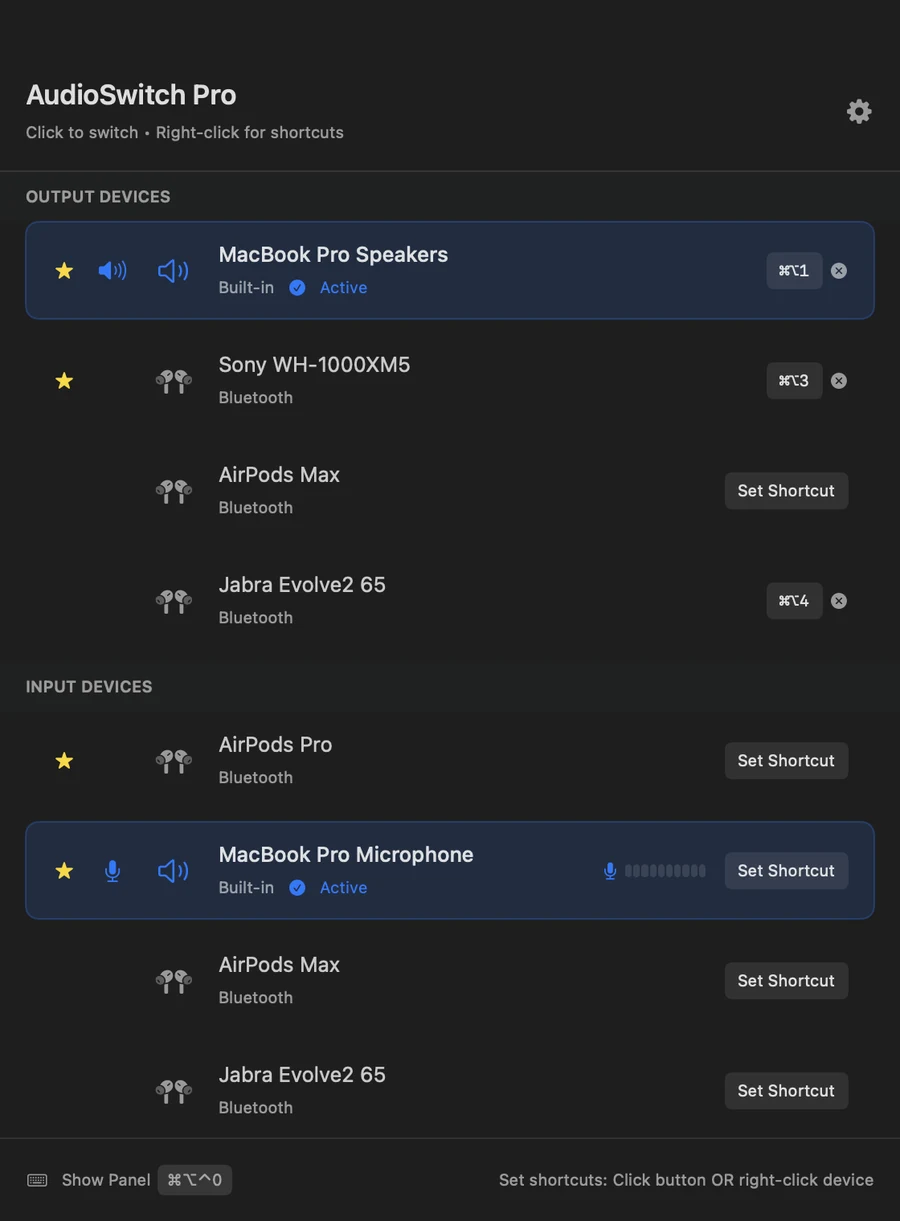
Speakers, headphones, Bluetooth and microphones in one list — the thing System Settings splits across two panes. Devices appear and disappear as you plug them in. Star the ones you actually use so they stay on top.
macOS 12 or later · Universal
Outputs and inputs in a single window, always current. Click to switch — or give any device a keyboard shortcut and never open the app at all.
Download for Mac Buy a licence — $9.99
Free to switch devices, forever $9.99 one-time to unlock keyboard shortcuts
Also coming to the Mac App Store. That build is submitted and in review. Same app, same price, same free tier — the only difference is who takes the payment.
No menu-bar clutter, no subscription, no account to create.
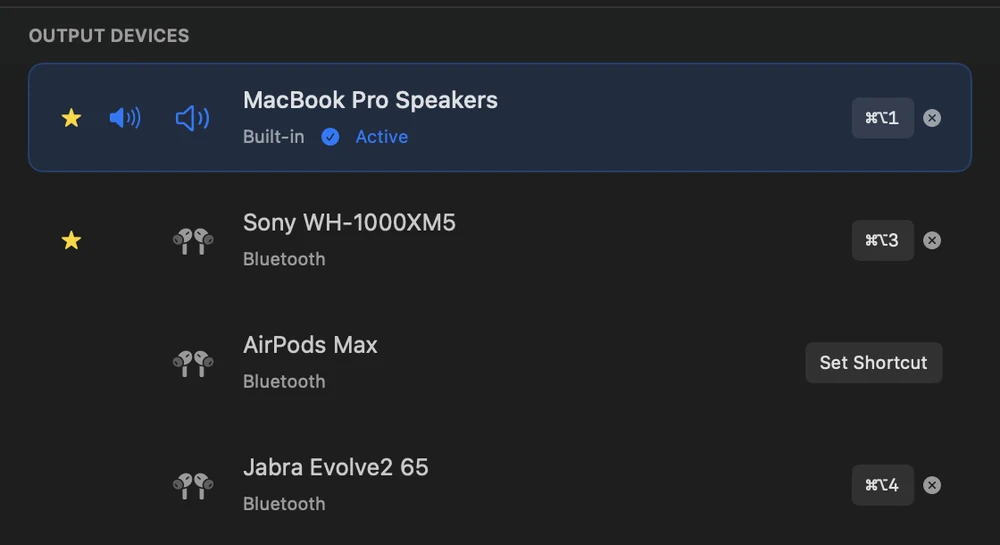
Speakers, headphones, Bluetooth and microphones in one list — the thing System Settings splits across two panes. Devices appear and disappear as you plug them in. Star the ones you actually use so they stay on top.
Assign your own key combination to any device, plus one to summon the panel. Works from any app, without switching to this one.
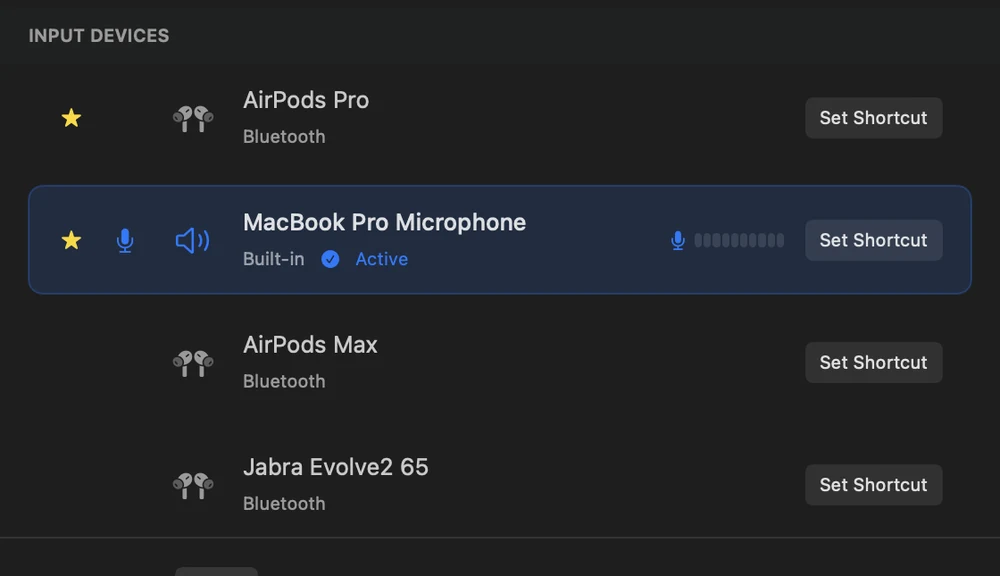
A live input level meter next to the active microphone, so you know before you start talking — not thirty seconds into the call.
Headphones that have wandered off still show in the list. Click one and the app reconnects it instead of leaving you to hunt in Settings.
No analytics, no accounts, no telemetry. Your preferences stay in the app's own container. Read the privacy policy.
One universal build, native on both. macOS 12 Monterey or later, on any Mac Apple still supports.
Real screenshots from the app — device names changed for privacy.
Switching devices is free and stays free. Only the shortcuts cost anything — and that is true whether you download it here or get it from the App Store.
$0
No account, no trial timer, no expiry.
$9.99
One time. Not a subscription.
Or as a $9.99 In-App Purchase once the App Store approves it.
Only if you turn on the input level meter. Switching devices, shortcuts and everything else work without it, and the app never asks on its own — you have to press “Show level” next to your active microphone. Even then the audio is only measured on your Mac to move the bar: nothing is recorded, stored or sent anywhere.
No, on either route. The direct licence is $9.99 once, and the App Store version is a single $9.99 In-App Purchase. Nothing recurring, and no account to create for the direct download.
Only in how you pay. Both are the same app with the same free tier: switching devices costs nothing and never expires, and $9.99 unlocks the keyboard shortcuts. Here that is a licence key; on the App Store it is an In-App Purchase. The download on this page is signed and notarized by Apple either way.
Because switching an audio device is the part everyone needs, and metering it would be mean. The shortcuts are the part that saves you time every day, so that is the part that is paid.
macOS 12 Monterey and later, on both Apple Silicon and Intel Macs. It ships as a single universal build.
A person, at support@worldinspirelab.com. See the support page for what to include.